






















Recognized by Clients, Verified by Real Reviews
Backed by over 9+ years of product development expertise, WooberlyPharmacy is the trusted choice for founders building pharmacy delivery apps.



























Introducing our Pharmacy Delivery Script
Choosing the right solution to launch your pharmacy delivery app can be overwhelming when given several options. However, you're closer than ever to finding the ideal solution. Our pharmacy delivery script stands out with its superior UI & UX, setting us apart from the competition.
Moreover, we ensure a seamless launch process by providing comprehensive support, everything from white-labeling to app launch, for free.
Every key feature, covered
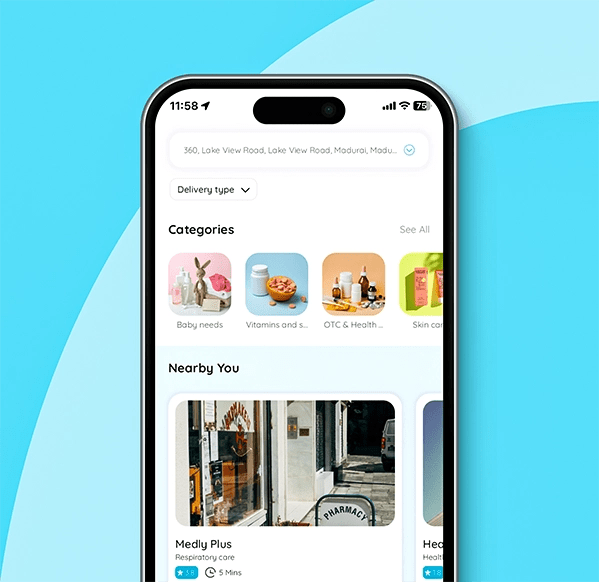
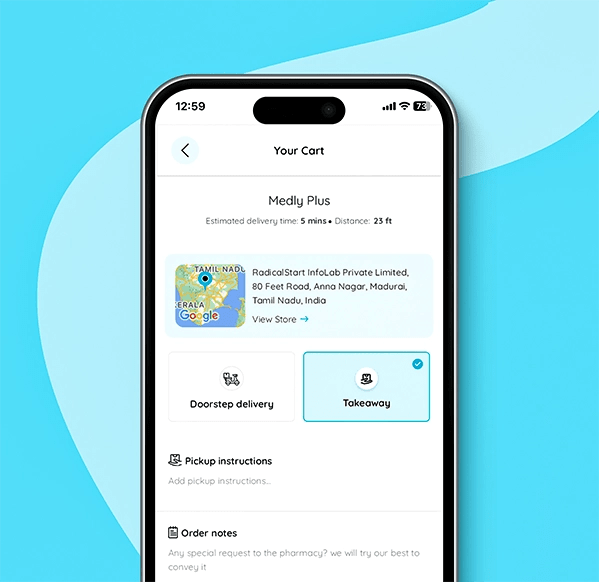
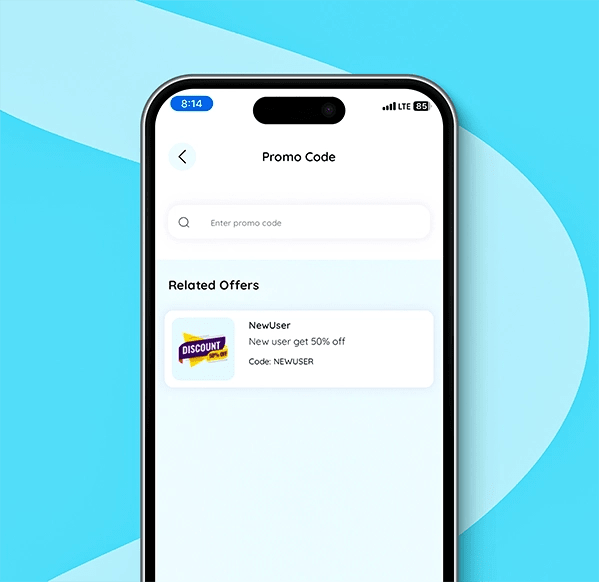
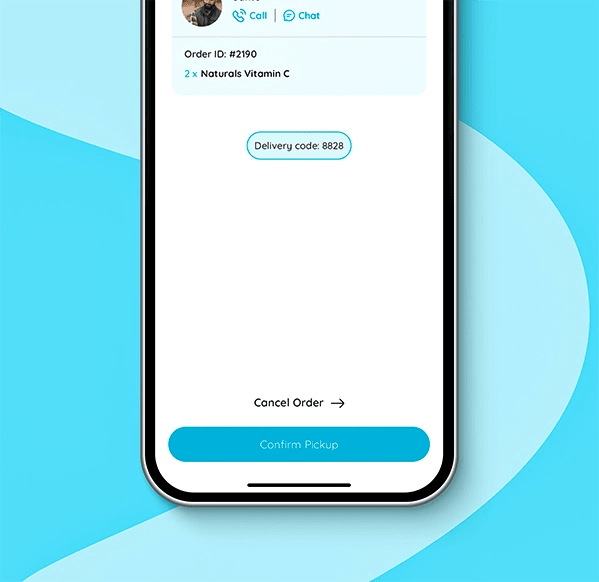
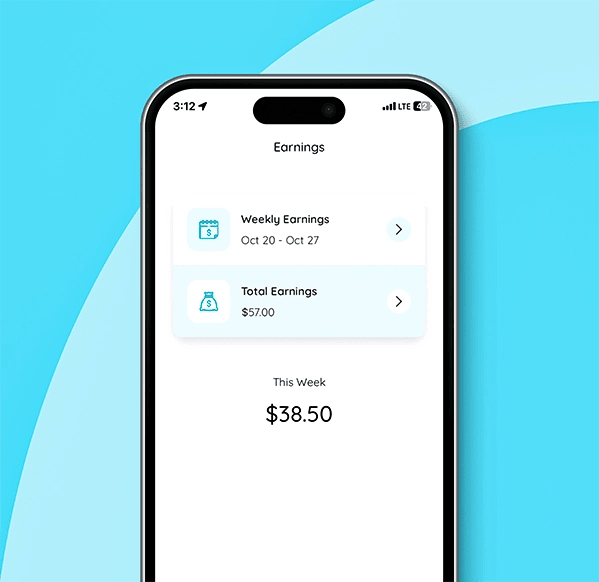
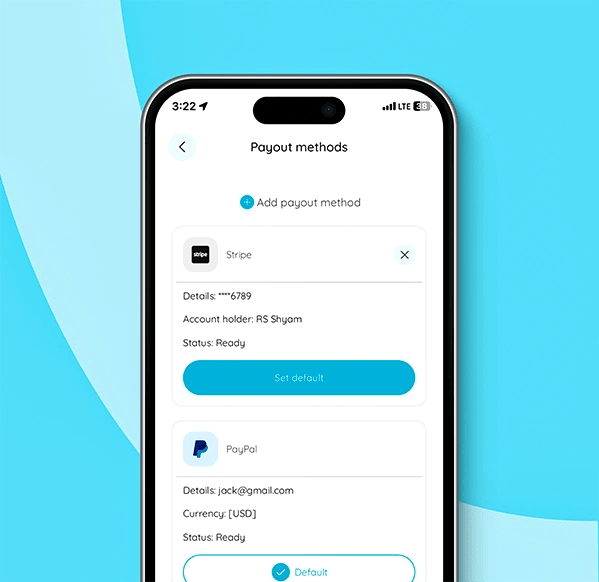
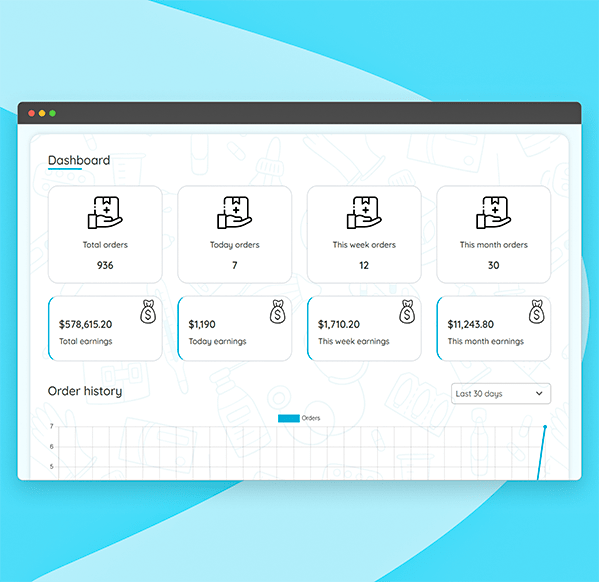
Manage the platform in one place
- Get platform overview
- View the earnings
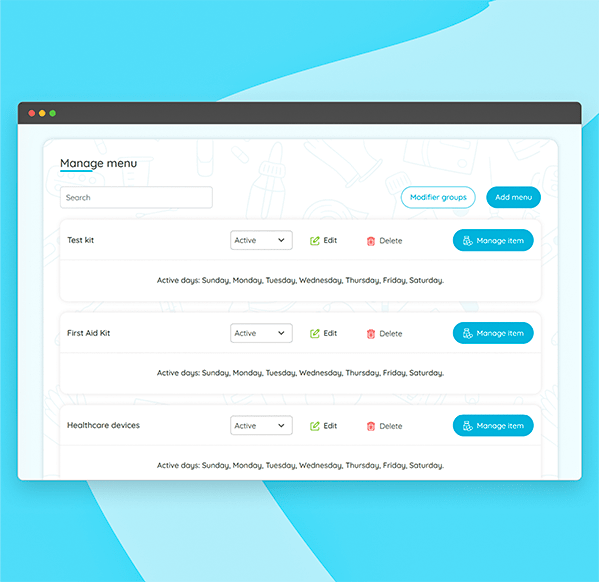
- Add & manage categories
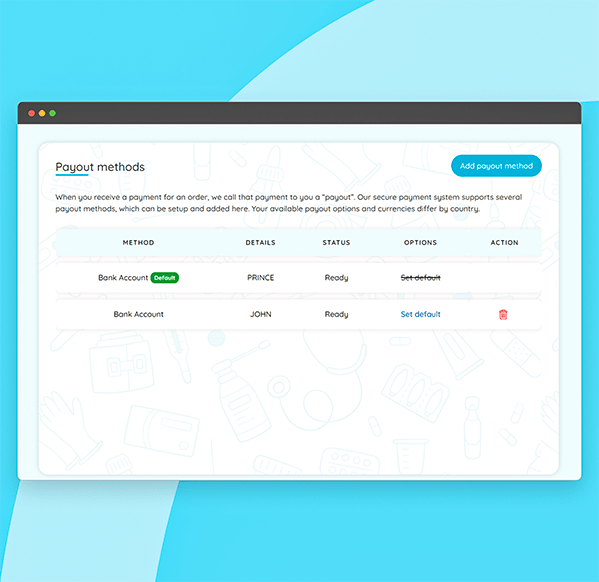
- Manage payment methods
- Manage vehicle types
- Set & manage promo codes
- Add admin for help
- Send notifications
- More features
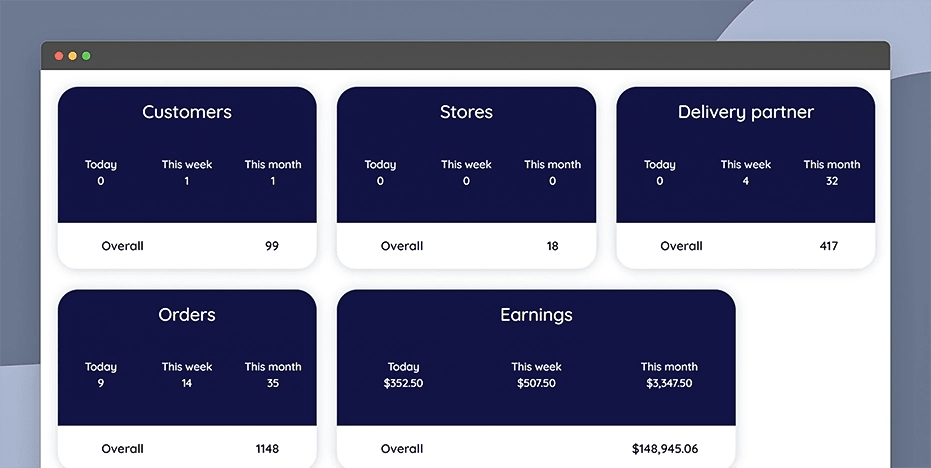
Get an overview of the user counts (customers, delivery partners, & stores), orders placed, and your earnings.
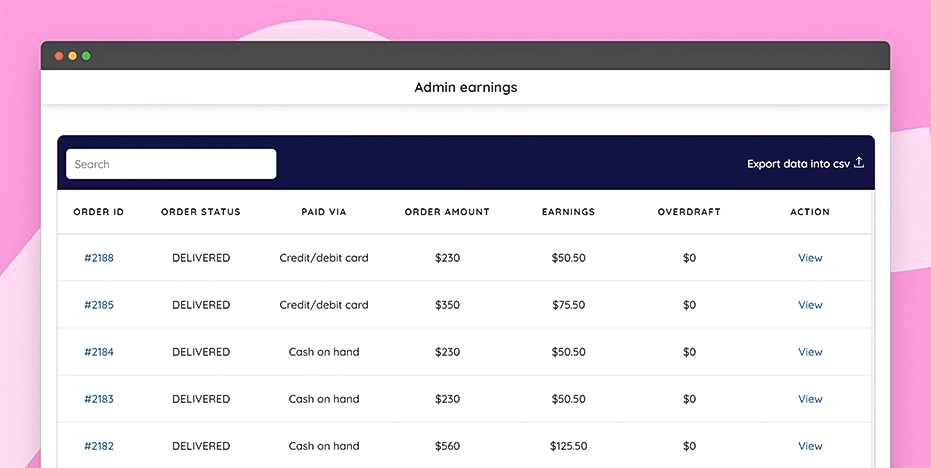
View the admin earnings details for all orders, including the payment method and order amount.
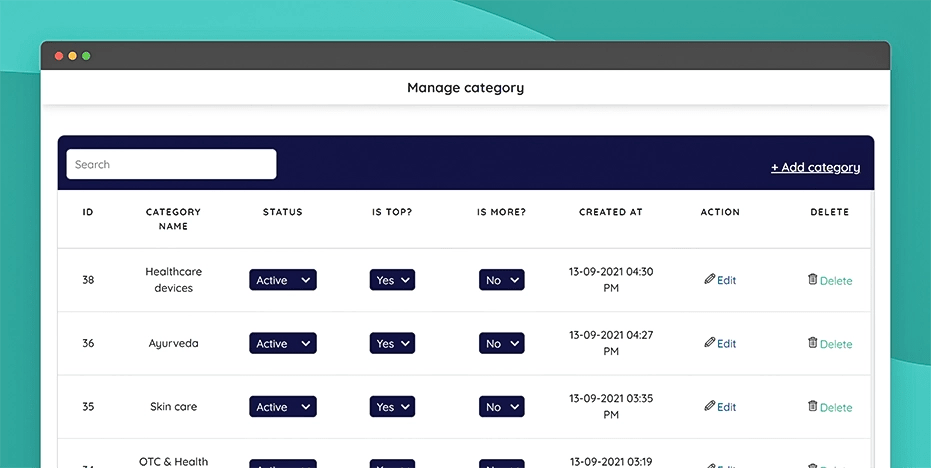
Add the pharmacological categories available for the customers, edit them, set their status, and delete them.
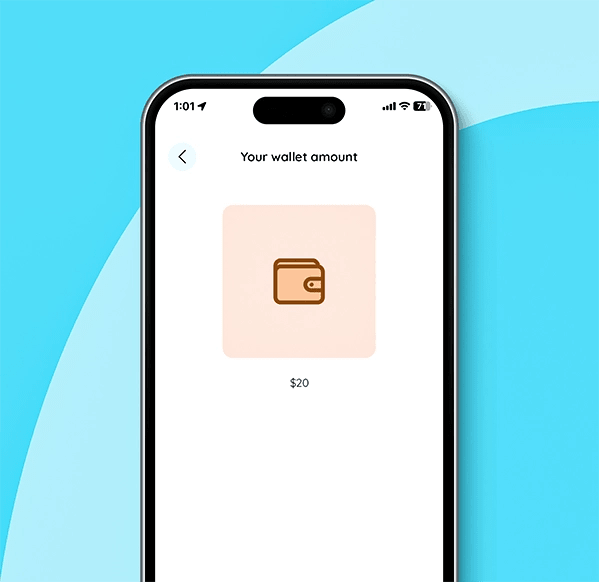
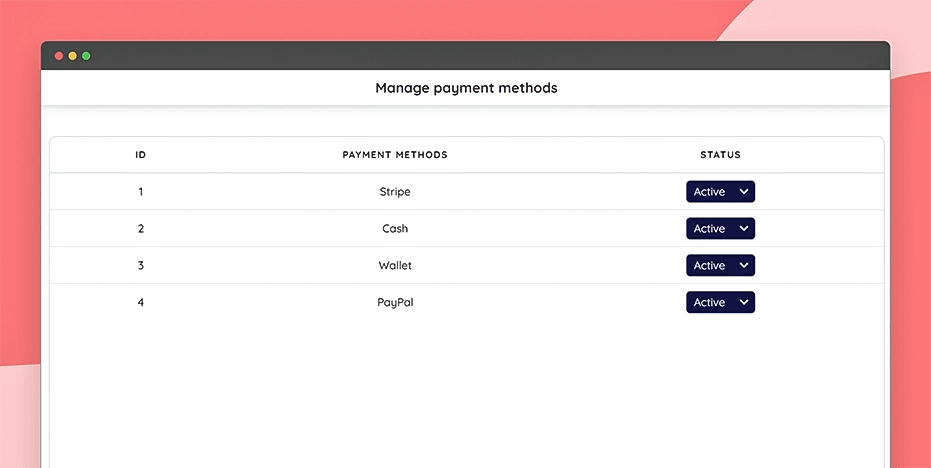
Manage the availability status of all payment methods, including credit/debit card, cash, wallet, and PayPal.
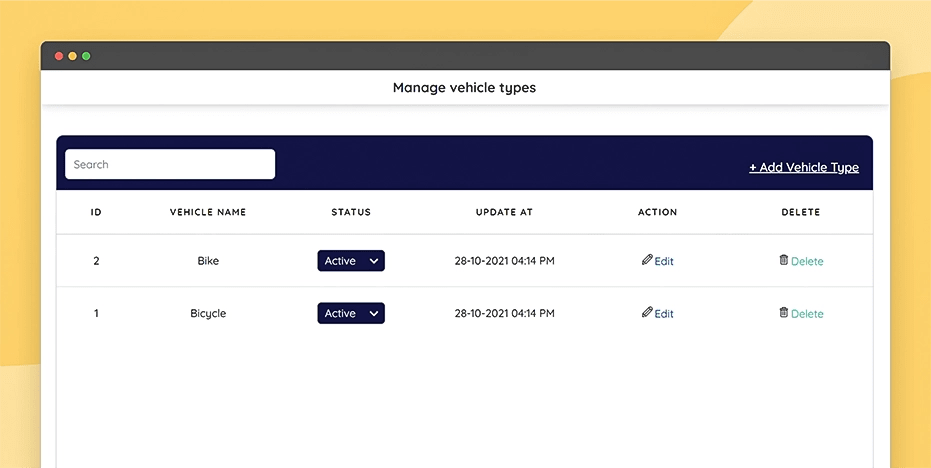
Add and manage the vehicle types used by delivery partners, such as bikes, cars, bicycles, and such.
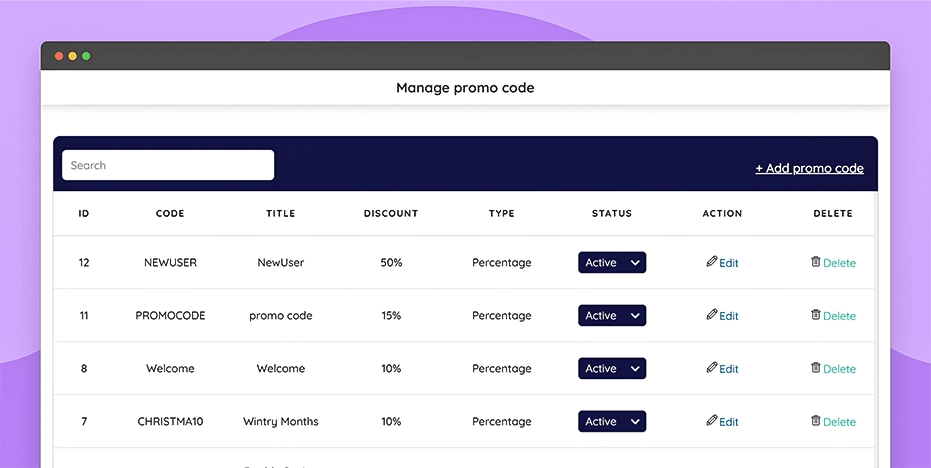
Create promo codes for your customers, manage these promo codes, and set their availability status.
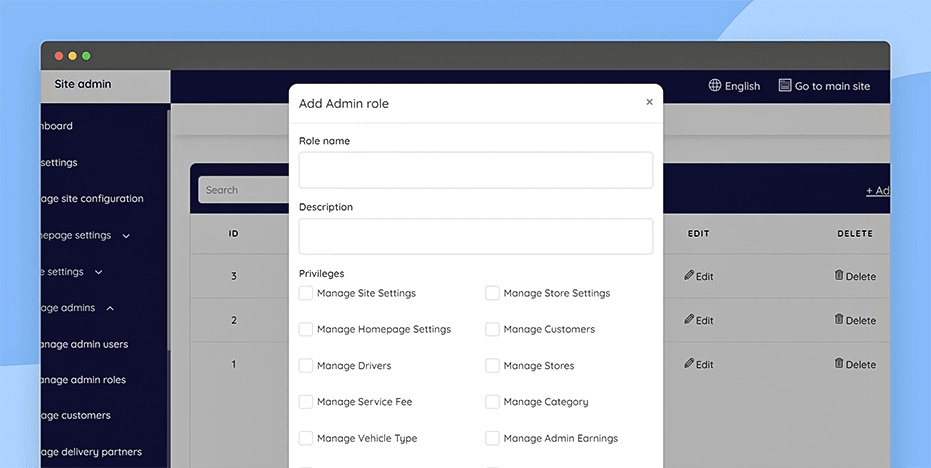
Add multiple admin users and assign them admin roles to help you handle the admin responsibilities efficiently.
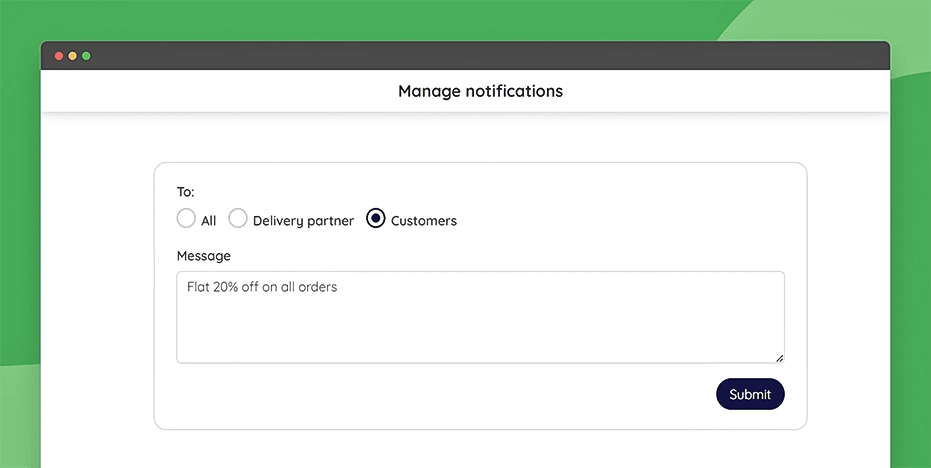
Send notifications to the users or delivery partners, separately or together, to notify them of any updates.
Request a free guidebook
Know the workflow, features, and technology used in our Pharmacy delivery script.
Experience the live demo
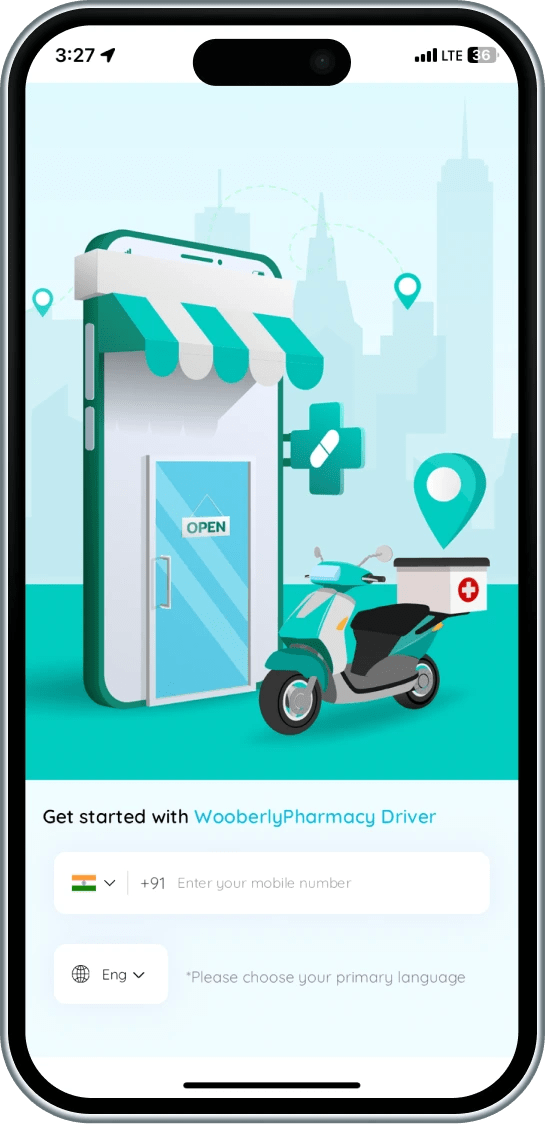
Customer app
Access the customer app
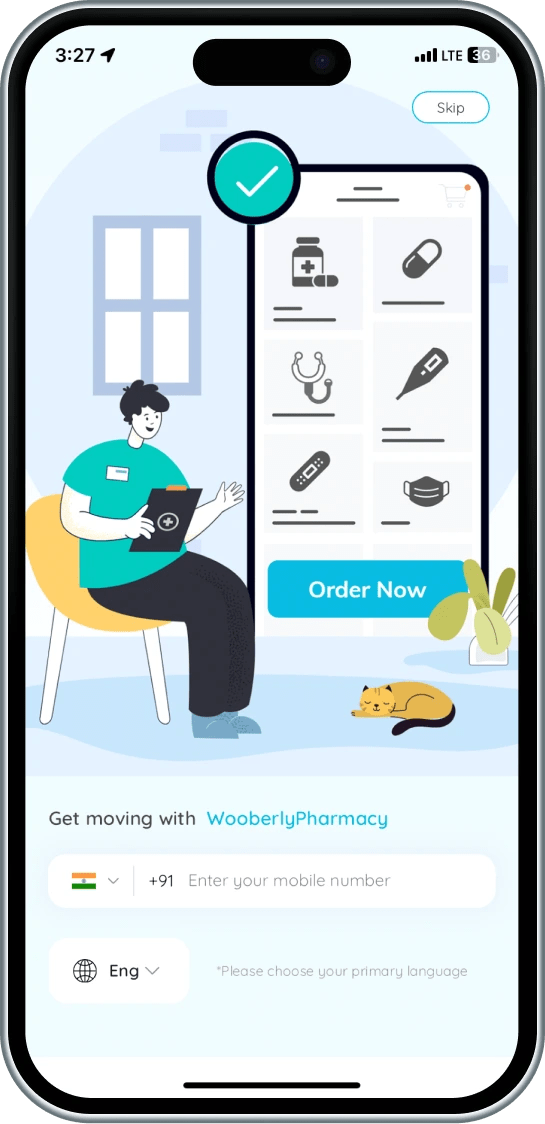
Delivery partner app
Experience the delivery partner app
Web panel
Explore the store and the admin panel

Book a personalized demo with our Marketplace Expert
What can you expect in this call?
Walk you through the full flow for the customer app, pharmacy panel, delivery app, and admin panel
Explore the must-have features that help medicine delivery platforms launch faster
Show you how Pharmacy Delivery Script can be customized for your pharmacy network and delivery zones
Discuss custom integrations such as payment gateways, prescription tools, and third-party services
Explain how the Pharmacy Delivery app stays compliant with App Store and Play Store guidelines.
Why quality matters more than price!
Think beyond “Minimum Viable Product”
Go live with the solution that supports 100% scalability and beyond MVP.
Own the 100% source code, without encryption.
Scale effectively with cutting-edge technology.
Get unlimited updates at no extra cost.
Experience the intuitive UI and UX.
Enjoy all features even for a basic package.
Get the industry’s best post-sale tech support.
Unlock the right plan

Startup Sale!
Buy 1 product at $1999 and Get 1 Free product*
Meds
- Single domain license
- Tech support for 3 months
- Updates for 6 months
Meds pro
- Multi-domain license
- Tech support for 6 months
- Unlimited updates
Get all these supports, for free

White-labeling
Customize the Pharmacy delivery script with your logo, content, and design.

Server installation
We will install the server dependencies and the entire package on your server.

App submission
Get your pharmacy delivery app launched into the App Store and Play Store.

App rejection support
If your app is rejected, we will find the issues, fix them, and offer an app relaunch.
Experience the quick app launch
Customization
Choose white labeling or opt for additional customization to tailor the solution further.
Testing
Following the customization, we'll test the Pharmacy delivery script and make sure it is bug-free.
Launch
Finally, we'll bring your pharmacy delivery app to life by launching it on the App Store and Play Store.
Build to scale and perform
 React
React React
 Flutter
 Flutter
 GraphQL
 GraphQL
 Socket.IO
 Socket.IO
 Firebase
 Firebase
 MySQL
MySQL MySQL
 React Apollo
 React Apollo
 Sequelize
 Sequelize
 Google Map
 Google Map
 Redux
Redux Redux
See what our customers say
“As we know, we're in production, we're in live, it's because of you and because of us, and because of a great collaboration. So we are proud to make such a great product with you, we want to thank you for your time and enthusiasm. We always have a lot of difficulties and challenges, and you always do your best and find great solutions for us. It is really nice. We appreciate it. It's only the beginning.”
- Oleg, Porto



“I was planning for a small project with a limited budget; my good luck drove me to RadicalStart. Amazing how they are, very nice, professional, perfection-oriented people, and well-organized. All I had to do was tell them what I wanted and they brought my dreams to reality with the most exceptional results. All I can say now is, my work and my projects, are gonna be exceptional.”
- Asaad, SKYNORTH


“My partner and I had a great idea for business. As it turns out, you guys had that product we wanted and needed. We got to you by a friend's recommendation and we instantly clicked and we were very happy that you could provide us the tool that we wanted and needed for our business. We had a great team and they're helping us a lot. They have a very good response.”
- Jorge, Eventasis

“I know during this time, RadicalStart is showing exceptional adaptability to market changes; always maintaining the commitment to the quality. We want to thank everyone who is a part of RadicalStart for their work and dedication. Without your effort and passion, this achievement wouldn't be possible. On behalf of all of us at Trineo app, we express our deep gratitude for your outstanding product and service.”
- Michael Leppe, Trineo app


“I started my project with you guys this year. I want to say this has been a very amazing experience and you are all very professional, and very talented, and you have helped me to design my app the way I want with so many customization. Thank you so much. I wish you to become the most successful company in India and the world. Thanks, Gowtham for your amazing ongoing Support.”
- Usman, Cheetah


We Are Here to Answer Your Questions
Know more about the product
Pharmacy delivery script is a ready-made app solution that'll help entrepreneurs launch their pharmacy delivery app quickly and within their budget.
The pharmacy delivery script you receive will not be encrypted. It gives you the full freedom to customize it according to your business needs.
The pharmacy delivery script is 100% customizable to build any type of on-demand delivery platform.
However, we can't provide technical support once the source code files have been tampered with. (After the modification of the source code from your side).
- Mobile app for customers & delivery partners (Android and iOS)
- Web panel for stores
- Web panel for admin
- Free tech supports (white-labeling/Rebranding, server installation, app launch & rejection support, free bug fixes, and product updates)
Based on the plan you purchase, the period for bug fixes and product updates will change.
Yes, we help with one-time free installation and submission of your mobile apps to the Google Play Store and Apple App Store.
Please note that this is free assistance. Your payment covers only the product's source code files.
During app submission, if the Play Store or App Store asks for extra changes (like unique design or unique functionality changes), we can do it at an additional cost.
Apple App Store is very strict. They want apps with a unique design and features. If not, they may reject the app (Policy #4.3 - Design Regulations).
See Apple rules here: https://developer.apple.com/app-store/review/guidelines/#design
To avoid problems, we suggest you customize your app. You can hire us for this, or use your own team.
In any case, we will give you the full source code of the website and apps. You have full control.
If you're eligible for unlimited updates, you'll receive the updated source code whenever we release product updates, including new features and bug fixes.
While these updates are free, please note that any website reinstallation, mobile app reinstallation, or app resubmission will incur additional costs.
If no custom changes are made, we can simply replace the files with the new version.
If we have worked on any custom changes, we need to compare the code and implement the changes.
Note: Updates are completely free, but we may charge you for the hours spent applying the upgrades.
If the customization was done by you, we will only provide updated source code files and will not be able to provide support for tampered source code files.
For the base plan, you receive a “6 months free update,” and for the premium plan, the update is unlimited, for a lifetime.
- Bugs fixing (If it's critical, we will give you a time frame to fix it. Otherwise, we will include the fixes in our updates)
- White-labeling/rebranding service
- Static content translation (for a maximum of 3 languages and 2 iterations for each language)
- Clarify your questions
- Issues in your local machine installation
- Reinstallation of the script
- Issues in Git due to not following the instruction
- Issues in modified code or if customization is done by you/your team
- Any custom changes that would need additional development efforts
The free technical support period will begin from the date of purchase.
Following the purchase, you can connect with our technical support team only by email. They will not be available for calls.
It would take around 24 to 48 hours to respond during business days based on the queue.
You can hire our team for additional support. It will be under additional cost.
- Theme color, text, font, and favicon changes in the web store panel, admin panel, and landing page
- App package name/Bundle ID changes
- App name changes
- App icon changes
- App theme color changes
- Firebase Crashlytic and FCM integration
We will install the script on your server free of cost for the first time. However, additional installation will be under additional costs.
We prefer Let's Encrypt SSL (it is free and offers automated renewal and open certificate authority).
If you wish to install another SSL provider, there will be an additional cost for the SSL installation.
If your app is rejected from the App Store or Play Store, we'll find and fix the issue, and relaunch your app successfully.
However, in some scenarios, some fixes may include additional customization; for that, you have to pay.
Yes, it is applicable to every plan. However, the time period for the support changes.
- 3 months for the starting package
- 6 months for the higher package
We highly recommend AWS or DigitalOcean. It will work fine on any Ubuntu-based hosting servers.
Here is the minimum server requirement,
- Operating System - Ubuntu 24.04
- Storage - 50GB (Should be expandable)
- RAM - 4GB (Should be expandable)
- MySQL - Version 8.0
- SSH with root user access
Note: The server should be plain. It should not have any configuration like Apache, any Database, etc.
A single-domain license can only be used for one business in a single domain. For example mybusiness.com.
Multi-domain licenses can be used for any number of businesses on multiple domains. For example mybusiness1.com, mybusiness2.com, etc.
Static contents are rendered from the static language files in the web and mobile apps.
The dynamic contents are the inputs provided by the users/admin, which are stored in the database. Example: Store name, description, categories, etc.
Our free tech support covers the static content translation for a maximum of 3 languages (2 iterations for each language).
We always stay updated!
Check out what we have updated on every release.
Released date: Nov 28, 2025
- Enjoy a more comfortable viewing experience with the newly introduced “Dark Mode”.
- Push notification navigation has been improved.
- Core libraries have been updated for enhanced security and performance.
- Resolved minor bugs.
Released date: May 27, 2025
- Migrated the latest libraries to ensure optimal performance
- Bug fixes and performance improvements
Released date: June 10, 2024
- Enabled web push notifications for the store panel to enhance alerting functionality
- Introduced an in-app chat feature for users and delivery partners
- Enhanced the live location feature in the delivery partner app
- Introduced PayPal in payment and payout account options
- Revamped Stripe's "add a payout bank account" approach to improve transaction security
- Migrated the latest libraries into the app to ensure optimal performance
- Bug fixes and performance improvements
Released date: August 09, 2023
- Bug fixes and performance improvements
Released date: June 30, 2023
- Included Take away order option
- Launched a 4-digit delivery code for a better delivery experience
- Launched new order request notification with the alert tone on the Store panel
- Revamped Stripe payout bank account approach
- Squashed some bugs and performance improvements